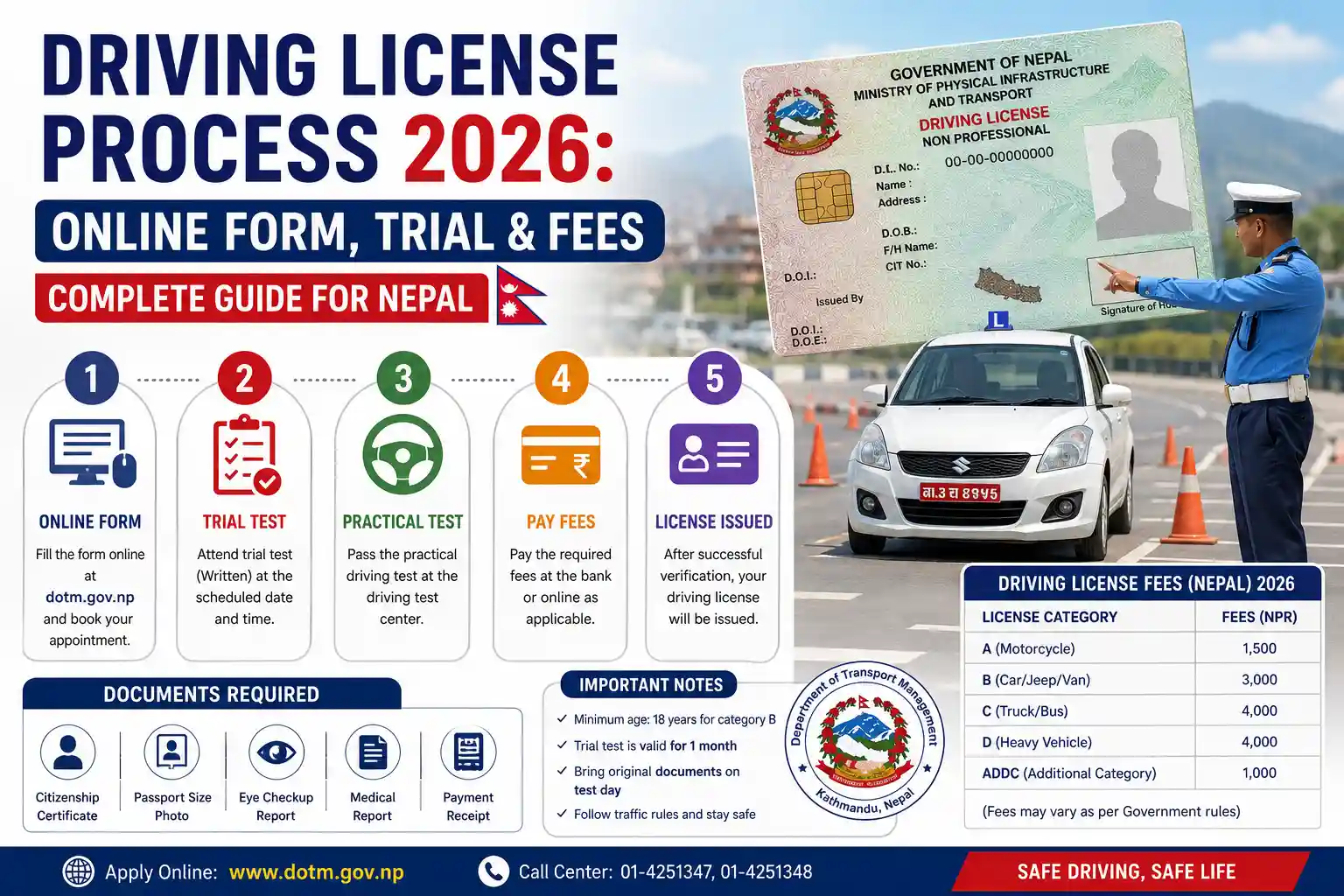
The driving license process in 2026 has become more organized and technology-driven, helping you to perform most steps online. You can fill out the online form, select their preferred category, office, and appointment date, and proceed through the required stages of verification, written examination, and trial test. In the written test process, you need to follow all the steps serially (verifying documents to finish the test). Moreover, you also need to follow all the procedures for the driving license test, ranging from verifying the documents to completing the trial test. In this entire stage, you need to pay some amount of money (2,650 and other hidden costs for a bike/scooter and 3,150 for a car/jeep).
In this blog, we provide information regarding categories of driving licenses, eligibility requirements, documents required, and a stepwise process for the online driving license form. Along with it, we also give insights about the written examination process, driving trial test process and driving license fee structure.
Categories of Driving License in Nepal
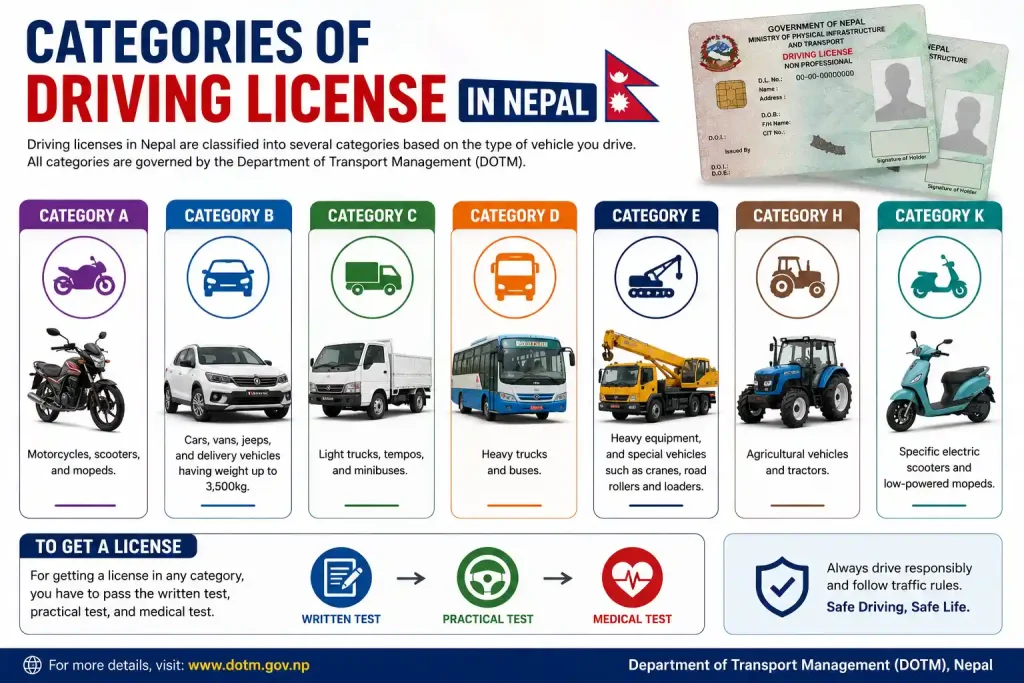
Driving licenses are classified into several categories in Nepal based on the type of vehicle you drive. All the categories are governed by the Department of Transport Management (DOTM). Each of the categories have particular kinds of vehicles like motorbikes, cars, light vehicles, heavy trucks, and public transports. For getting a license of your categories, you have to pass the written, practical, and medical test. The categories of driving licenses in Nepal are listed below:
- Category A: Motorcycles, scooters, and mopeds.
- Category B: Cars, vans, jeeps, and delivery vehicles having weight up to 3,500kg.
- Category C: Light trucks, tempos, and minibuses.
- Category D: Heavy trucks and buses.
- Category E: Heavy equipment, and special vehicles such as cranes, road rollers and loaders.
- Category H: Agricultural vehicles and tractors.
- Category K: Specific electric scooters and low-powered mopeds.
Eligibility Requirements for a Driving License
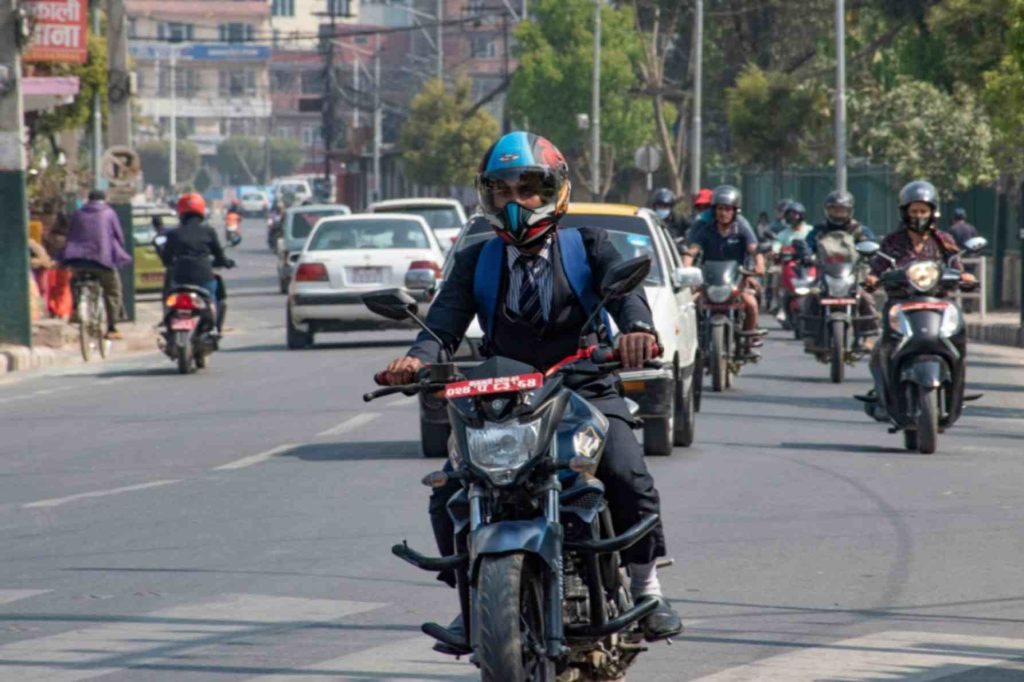
For getting the driving license in Nepal, you should be eligible as per the criteria provided by the Department of Transport Management (DoTM). These criteria vary depending on the vehicle category, such as motorcycles, cars, or heavy vehicles. Now, you may have a question regarding, “What are the eligibility requirements for obtaining a driving license for different categories?” Below are the age requirements that are needed for getting a driving license.
Age Requirements
You must reach a certain age (minimum of 16 to 21 years) as specified by the DOTM to obtain a driving license. The age requirements for obtaining a license are different based on the category of driving license you are taking. Below are the age requirements for obtaining a driving license.
- Two-wheelers (Motorcycle and Scooter): A person must be 16 years old to acquire a two-wheeler driving license.
- Light Vehicles (Cars, Jeeps, Vans): You should be at least 18 years old to get the light vehicle driving license.
- Heavy/Commercial Vehicles: You should be a minimum of 21 years old to get a driving license for heavy/commercial vehicles (trucks and buses).
Physical and Medical Fitness
After you verify your document and complete the biometrics, the examiners test your physical and medical fitness. It is done in order to check whether you are capable of performing safe driving or not. Below are some of the eligibility requirements in the context of physical and mental fitness.
- You shouldn’t have weakened eyesight or color blindness; instead, you should have normal or corrected vision.
- Applicants should be able to detect normal sounds, alerts, and vehicle horns.
- You must not have any physical impairment that affects safe driving.
- Applicants must reach the minimum age requirements based on their vehicle.
- You shouldn’t have any disorders that hinder judgment or rapid decision-making in different road environments.
- Applicants should not be affected by drugs or alcohol during evaluation.
- You must be able to understand road signs, signals, and traffic rules easily.
Documents required for the driving license process
When applying for a driving license and proceeding to the biometrics stage, certain documents are required. These documents have to be submitted to the DOTM office for verification. Possession of all documents correct helps to prevent any delay during the process. The following is a list of documents for applying for the driving license:
- Original Nepali citizenship certificate with a copy.
- Printed version of the registration form.
- A valid blood group card showing blood type from any certified medical institution.
- At least 2 to 3 recent passport-sized photos.
- A Rs. 10 stamp ticket is to be attached to your printed application slip.
- A certificate of vision and eye test, especially for 4-wheeler vehicles.
Related Blog: How to Prepare for Your Driving Test
Online Driving License Form Nepal – Step-By-Step process
Obtaining a driving license is a must for anyone who wants to drive a vehicle legally in Nepal. It not only helps you enjoy the freedom of movement but also makes travel easier and gives you a sense of independence. To apply for the online driving license form in Nepal, there is a series of processes you need to follow. Following this step-by-step process helps you in completing the application smoothly and correctly. Below are the step-by-step processes you must follow to apply for a driving license.
Step 1: Open the DoTM portal
Initially, you need to open Google Chrome on your computer or smartphone. After opening Chrome, you need to type the applydl.dotm.gov.np and click Enter to enter the DoTM applicant login interface. Do note that the appointment slots are limited, so if you didn’t find the slot, login to the next day.
Step 2: Enter Your Mobile Number And CAPTCHA
In the blank space, you need to put your mobile number. After that, enter the same CAPTCHA that is provided in the Enter Captcha field. Then, you get the notification of 6-Digit M-PIN (OTP) on your mobile via SMS in a second.
Step 3: Type the M-PIN
After you receive your M-PIN, you need to type it into the check MPIN in your mobile message bar to proceed to the next step. You need to save this M-PIN as it can be used for future login also.
Step 4: Select Your License Status
In this step, you get the 3 options. Among these options, you need to choose the one that matches your situation. If you don’t have a driving license, choose the first option. Moreover, if you have a driving license, then select the second option, and if you don’t have a driving license but have completed the biometrics/written exam, you need to choose the last option.
Step 5: Select your citizenship country
After you select your license status, you are asked which country you are a citizen of. Here, you need to select Nepal and press Next.
Step 6: Fill Citizenship Details In English
In this step, you need to fill in all the details that are asked for. You fully need to enter the personal information that matches your citizenship certificate. The personal information you need to fill up include the first name, middle name, last name, DOB (Date of Birth), Citizenship number, issued district, issued date and email. If you don’t have a middle name and email address, you can ignore it. After entering all the personal details, you can simply click on the next option.
Step 7: Fill Applicant Details In Devanagari
Once you fill in your citizenship details and press the next button, the applicant details page opens. There, you need to fill in the details that are asked, such as name, gender, blood group, occupation and education level. The details such as middle name, identity mark and training institution are optional. You need to fill in all the details in the Nepali language.
Step 8: Guardian And Address Information
After you fill out the questions that are asked, you need to choose your guardian relationship. After that, you need to type your guardian’s full name. Then, type your permanent address that is in the citizenship certificate, and if you have a temporary address, you need to fill it separately in the provided fields.
Step 9: Upload Citizenship Photos
In this step, you need to upload your citizenship photo (both sides). The photo should be clear and shouldn’t have size more than 1 MB. After that, click next for further process.
Step 10: Review And Submit
Now, all of the entries are shown on a confirmation page. At this stage, you need to carefully check each and every field to ensure the entries are correct. Once you review the entries, you need to tick the declaration checkbox, click “Next” followed by clicking “ok” to confirm it. Make sure that you have written your Reference Number and have a screenshot of it. After submitting, if you identify any errors, you need to go to the e Transport Office before your appointment date for the correction.
Step 11: Select Category, Office And Appointment Date
This is a very important step in the application process. Initially, you need to click at the apply for New Licenses, then choose “I want to do a health checkup in the Transport Management Office”. After that, you need to select your vehicle type. At the bottom of the same page, you see the office selection option and the desired date for the office visit. There, you have to select the office and date where you want to take the written exam and trial test. After doing it, click to the next.
Step 12: Download And Print Your Application
The application slip (registration details) opens. You must download this page and generate the PDF file. This form should be printed on A4 paper. After that, you need to carry this slip along with your original citizenship certificate to the Transport Office on your scheduled appointment date.
Written Examination Process
Once you follow the steps and complete the biometrics, the next step before performing a trial exam is giving the written (Likhit) test. It is an important step that determines whether you are capable of taking the trial exam and whether you understand the rules and regulations. Below is the process you should follow to give the written exam at the DoTM.
- Step 1: Ensure that you bring your original citizenship certificate, printed admit card, fee receipt and pen.
- Step 2: The office staff verify all of your documents and guide you to the waiting area or to your likhit exam block.
- Step 3: You wait while forming a line or in a seating area until the staff call your specific batch. In this step, you must switch off your mobile phone or other electronic devices.
- Step 4: The staff call your batch, and let you take your seat. After you take the seat, the staff again check your admit card and citizenship.
- Step 5: After they checked your admit card and citizenship twice, they ask which language you prefer for giving the written test, either English or Nepali.
- Step 6: Once you choose your language selection for a written test, they provide the paper and let you finish your test. Do note that there are 25-multiple choice questions which you have to finish within 30 minutes. Each of the questions carries 4 marks, and you have to score 60 marks (15 correct answers) to pass the Likhit exam.
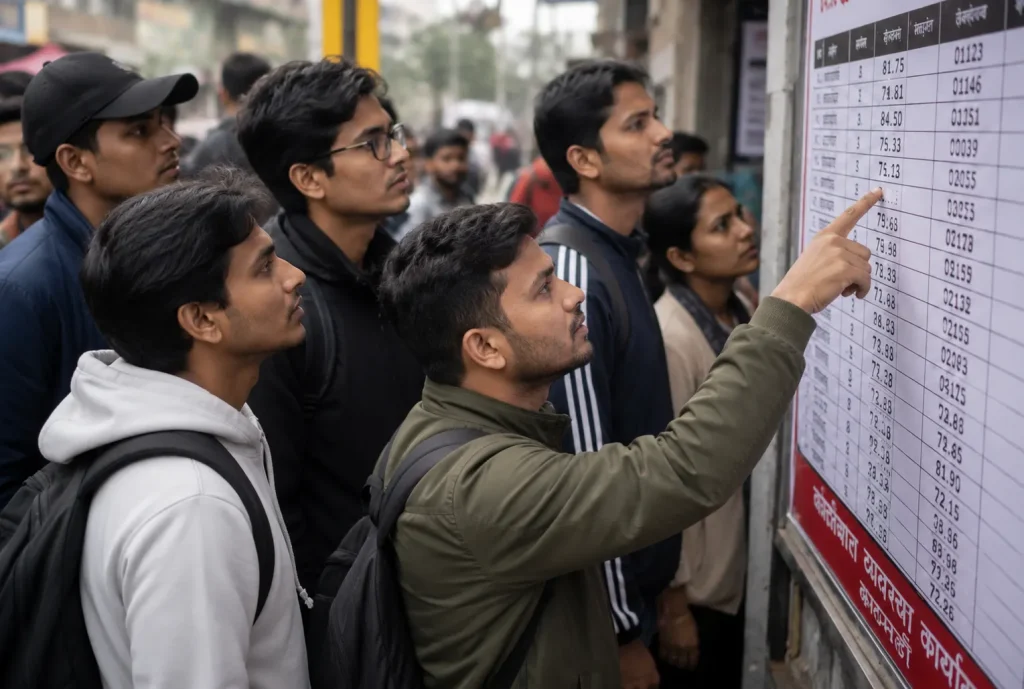
- Step 7: After 30 minutes, they come to collect the answer sheet. The DOTM posted the Likhit exam result in the evening of the same day.
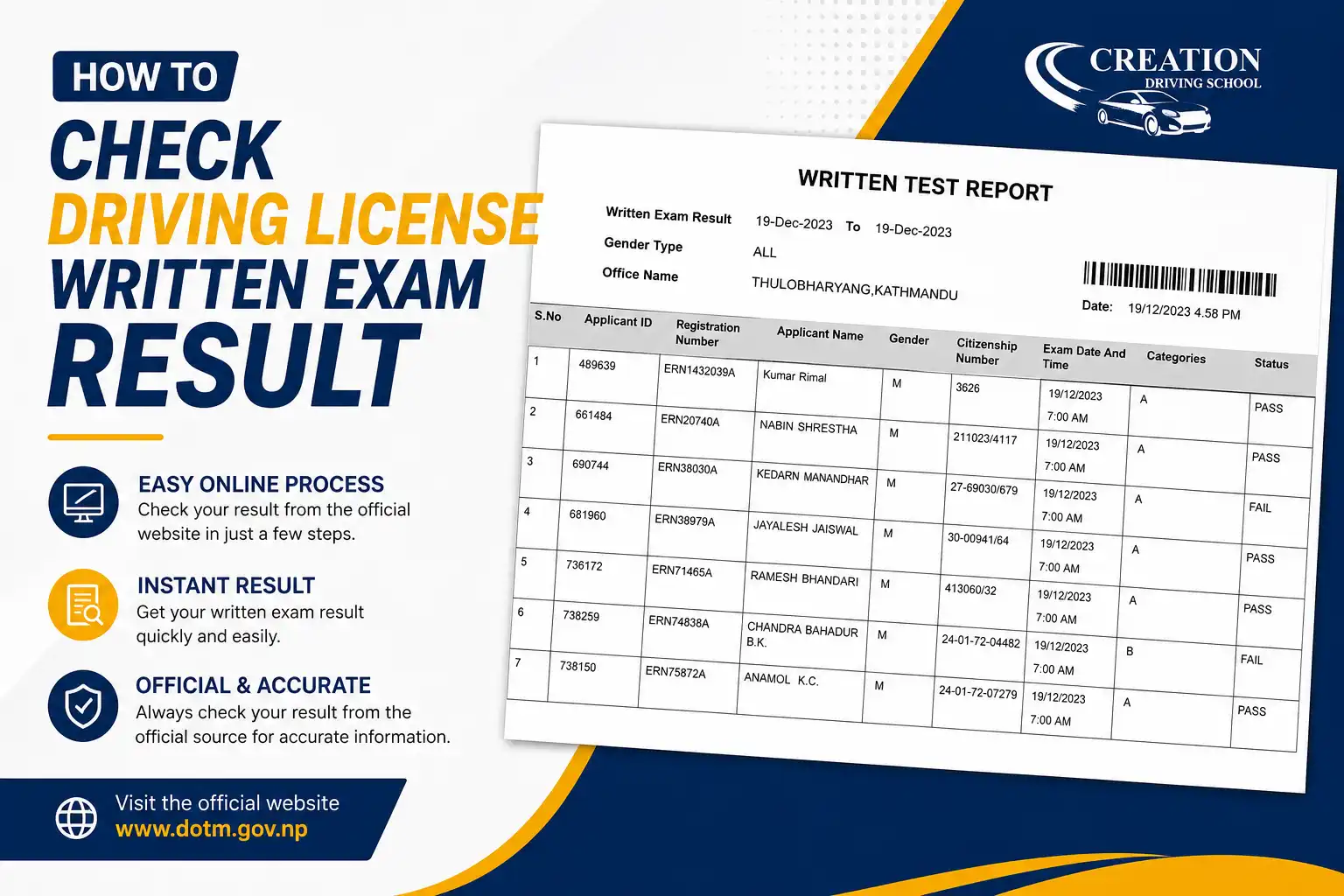
Also Read: How to check driving license written exam result
Driving Trial Test Process in 2026
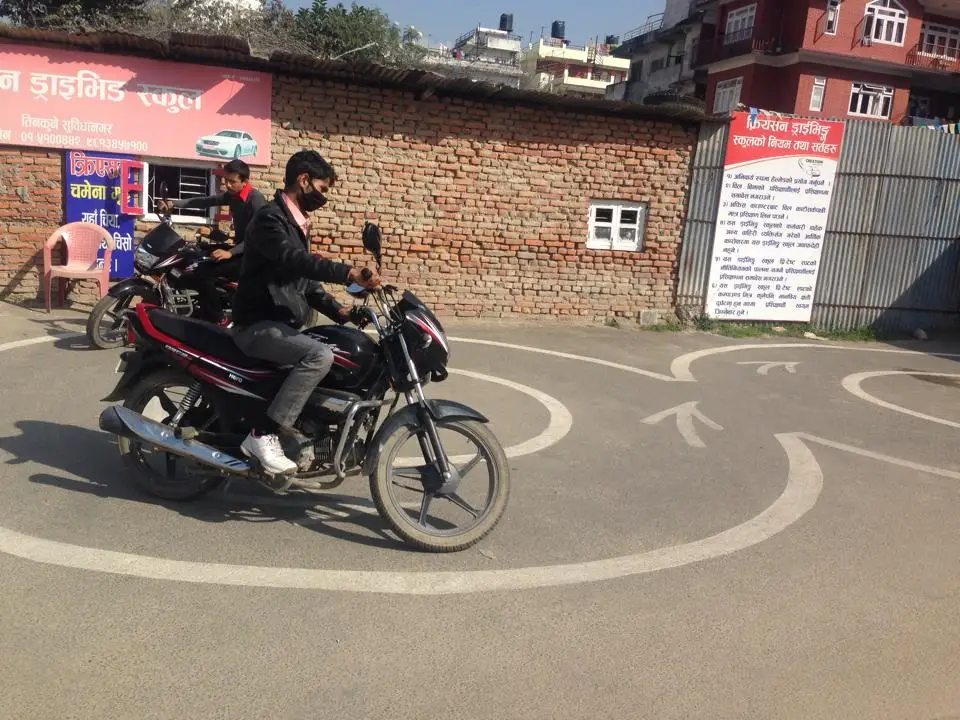
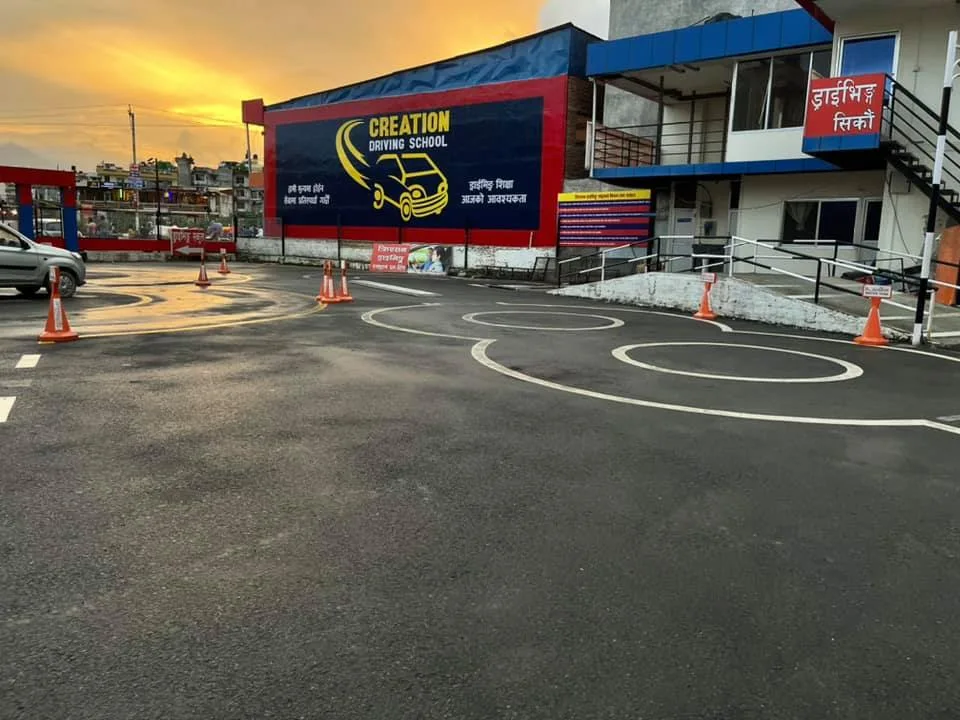
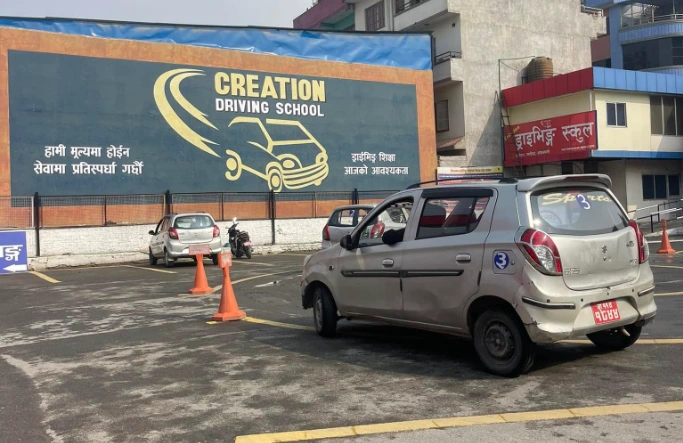
After you give the theory/likhit exam and have passed successfully, the last step you need to complete for obtaining the driving license smart card is to pass the trial test. The test ensures that you have the ability to operate a vehicle safely and are capable of driving on Kathmandu’s roads, where traffic congestion is common. Below is the step-by-step process of the driving license trial test.
- Step 1: Bring your documents, like the original Citizenship Certificate and your admitted card signed by you.
- Step 2: Once your documents have been verified, you will be required to queue up for a very long time to wait for your chance for the trial.
- Step 3: After your turn has come, go and take your trial vehicle, which is located in the parking area of the trial exam. After that, the examiner tells you to go to figure 8. You need to be calm and slowly drive the vehicle. The sections you have to complete for both 2-wheeler and 4-wheeler are given in Smart Tips to Crack Your Nepal Driving License Test on the First Try.
- Step 4: Once you have successfully completed the test, you need to park your vehicle and come to the staff to get your passing driving paper, which is then converted into a driving license.
Do note that you must score 70 points out of 100 to pass the driving license trial test. To prepare for this test, you can go early and pay some fees according to the round before starting the trial exam.
Driving License Fees in 2026
For obtaining a driving license, there are a series of steps you need to complete. To complete these steps, you need to pay fees. These fees must be paid during the application, written exam, and trial test processes. The following is the fees which you need to pay for the driving license:
- You have to pay around Rs. 55 to Rs. 150 during the biometric and medical test.
- The amount you have to pay for the written test is around Rs. 500 in the DOTM office.
- You have to pay around Rs. 500 for the practical trial test for a motor cycle and also for the car/jeep.
- You need to pay around Rs. 1,500 for a motorcycle/scooter, Rs. 2,000 for a car/jeep and for both categories, you need to pay around Rs. 2,200 for tax clearance .
Conclusion
The driving license process in 2026 is a structured system that combines online application, written examination, practical trial tests, and fee payments to ensure proper evaluation of applicants. Each of the steps plays an important role in verifying the theoretical knowledge and practical driving ability of the applicant. To obtain the driving license, you should have documents such as an original citizenship certificate, an application slip, a valid blood group type and passport-sized photos. After having these documents, you fill out the form using a stepwise process, and complete the written and trial examination by following the process. During this process, certain fees need to be spent around 2,650 and other hidden costs for bike/scooter and 3,150 for car/jeep. After waiting for a few days to weeks, you receive your driving smart license.
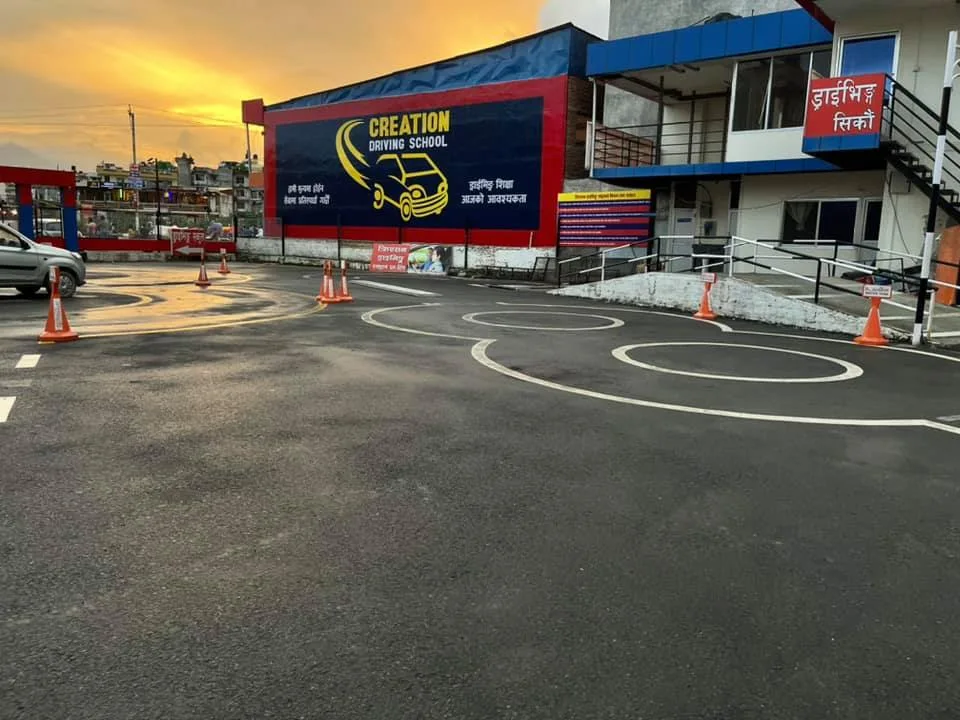
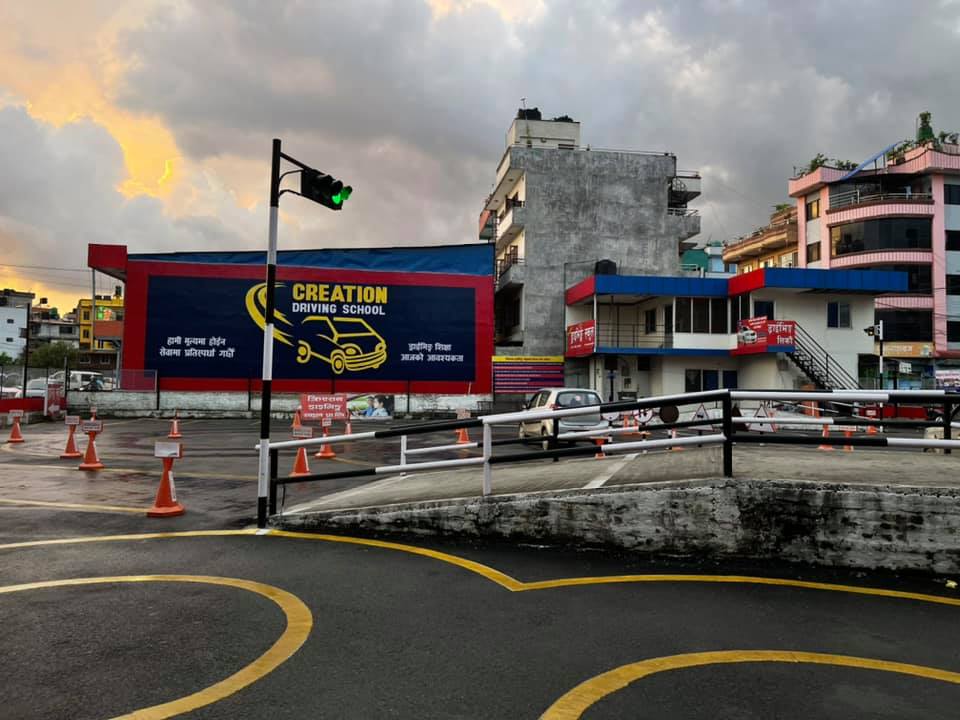
In this blog, we provided information regarding categories of driving licenses, eligibility requirements, documents required, and a stepwise process for the online driving license form. Along with it, we also gave insights about the written examination process, driving trial test process and driving license fee structure. For further information regarding driving licenses, do check out some other blogs. If you are seeking an ideal driving center in Kathmandu, contact Creation Driving – one of the best driving schools in Kathmandu.
Related reads
Want to pass your Nepal driving license test on the first attempt? Explore our guide: How to Choose the Best Driving School in Kathmandu
FAQs on Driving License Process 2026
How long will the driving license process take in 2026?
To complete the entire driving license process, it takes around 4 to 8 weeks in 2026. The entire process includes filling out the online form to card collection.
Can I change my trial date after booking?
You cannot change or reschedule your trial exam directly through the online system. If you want to change the date, you need to submit the formal written application in person to the office chief at the Transport Management Office.
How can I check my application status?
You can check your driving license application status by using your mobile phone or the internet. There are 3 methods through which you can check your application status. They are as follows:
1. Online portal: Open the Online Driving License System and type your DOB (date of birth), license number and captcha.
2. SMS Service: Go to the message app on your mobile and type LC [space] [your license number] and then send the 33001 or 31003.
3. Nagarik App: You can simply check whether your license has been printed or not by logging into the Nagrik App.
Can I apply for multiple vehicle categories at once?
No, you cannot apply for multiple vehicle categories at once. The DOTM allows it one category at a time.